


How to Use Your PLA Filament
1. Load the Filament
Remove the filament from the package.
Cut the filament tip at an angle for easier feeding.
Insert the filament into the extruder until it loads smoothly.
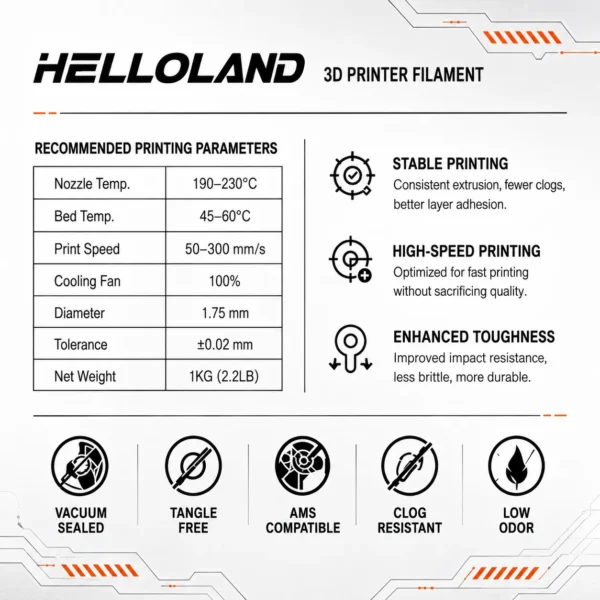
2. Set Printing Parameters
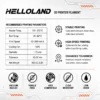
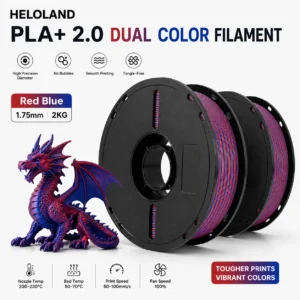
Nozzle Temperature: 200–230°C
Heated Bed Temperature: 50–60°C
Recommended for most FDM 3D printers
3. Start Printing
Select the correct filament profile.
Check the first layer adhesion.
Adjust printing settings if needed for best results.
4. Storage Tips
Keep filament sealed when not in use.
Store in a dry place with desiccant.
Avoid moisture exposure to maintain smooth printing performance.



Reviews
There are no reviews yet.